From setup to a live feed in a day.
Five steps for the admin. Here is every screen you will see along the way, and what your employees see in return.
A feed they actually open.
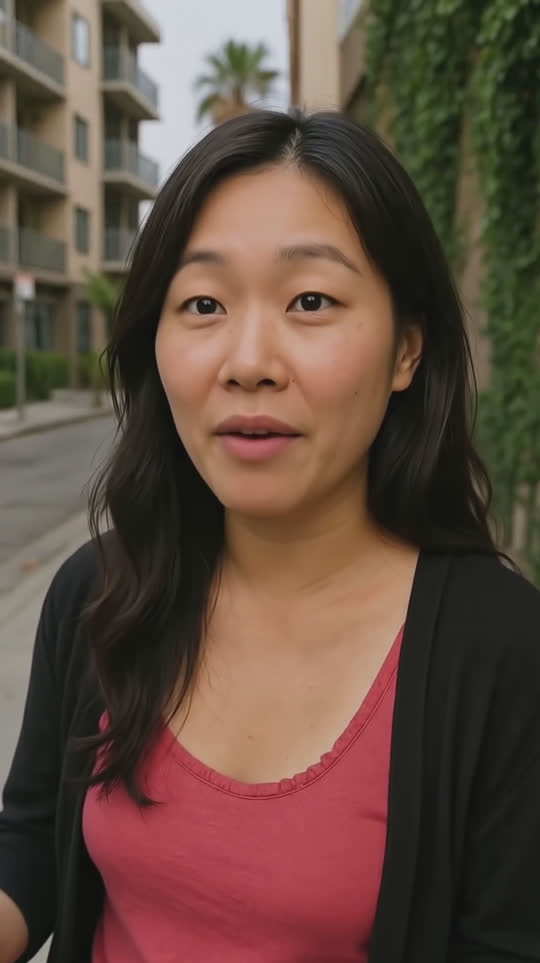
Every person swipes through short intros from across the company. These are AI-generated demo people, and yours will be your own coworkers.
 346Save
Hi, I'm Faye, I head up People at Fernway. Outside work I'm at a pottery class or planning a trip.
People · 0:34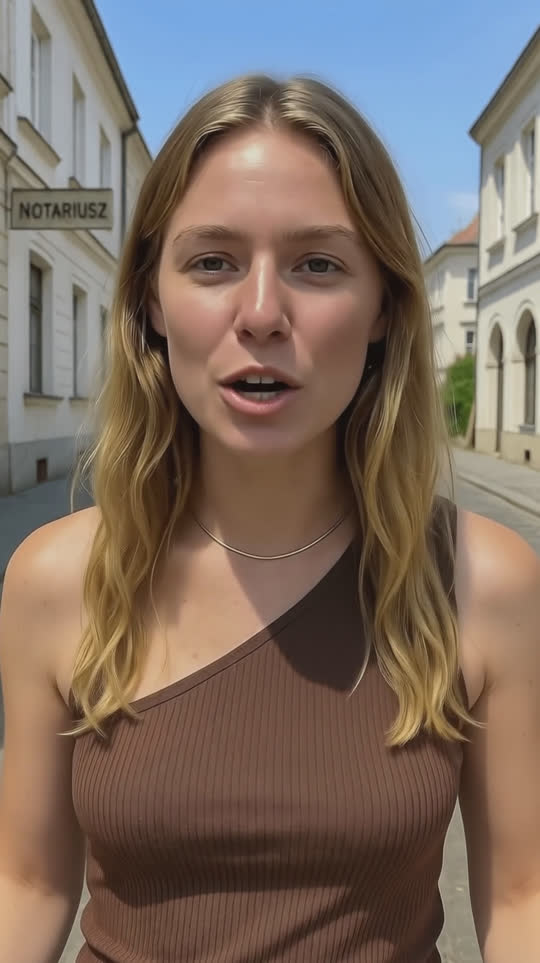 346Save
Hey, I'm Alina, senior engineer on the platform team. I boulder and restore an old motorcycle.
Engineering · 0:29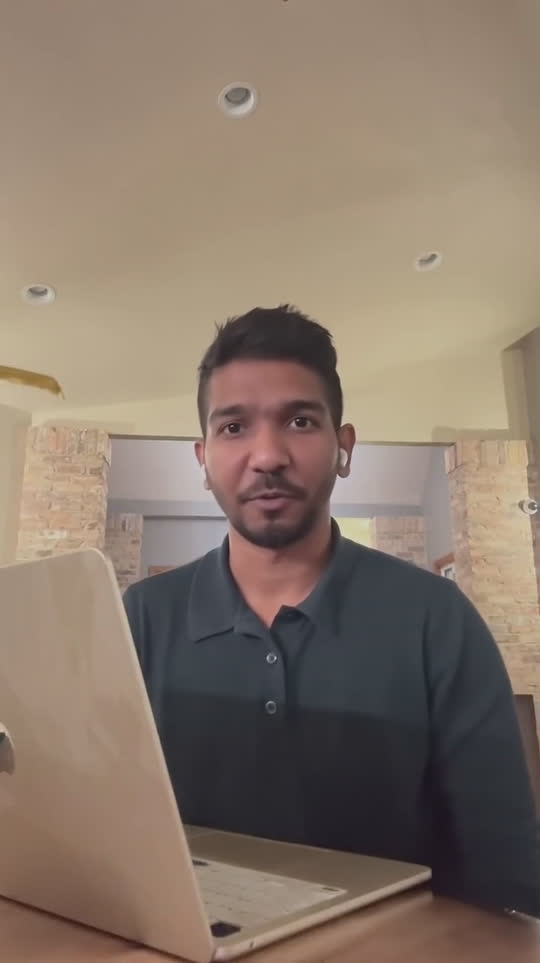 346Save
Hey, I'm Norman, I'm on the sales team. Outside work you'll find me at the driving range.
Sales · 0:31Connect your directory.
Choose Google Workspace, Microsoft 365 or Slack, or add people by CSV. On Scale, connect your HRIS so hire dates come with them.
- Your org chart fills in right away.
- Set the sign-in rules for your organization.
- Spark builds the chart by hand, and it works the same way.
Connect your directory
Invite everyone, or invite in waves.
Bulk-invite the whole company or start with one team. People get a friendly email with one button.
- Watch invited, signed-in and recorded counts climb.
- Invited and synced people are never billed until they sign in.
Record a short intro so your coworkers can put a face to your name. It takes under a minute.
Record my introEmployees record in under a minute.
The camera opens with a prompt on screen. People answer one prompt or several, from 5 to 60 seconds.
- Pre-built prompts, so nobody faces a blank page.
- A few playful filters keep it light.

Two sentences is plenty.
Every video is understood.
Each video is transcribed, summarized and tagged, so finding a person is a search and no one writes a bio.
- Anthropic's Claude writes the summary and topic tags.
- Concierge search on Growth and up finds people from what they said on camera.
 0:24
0:24Annalise is a PM on core product. Mystery novels and a losing battle with houseplants.
“Hi, I'm Annalise, a PM on the core product team. Outside work I'm reading way too many mystery novels or failing to keep houseplants alive.”
The feed goes live.
Everyone can swipe through teammates, watch playlists, and open profiles. New hires get a welcome playlist built from the org chart.
- New intros post to your Slack channel, so nobody needs another tab.
- Tap a name in the feed to open the profile.
Lucy Park just posted an intro. Meet her now.
 0:31
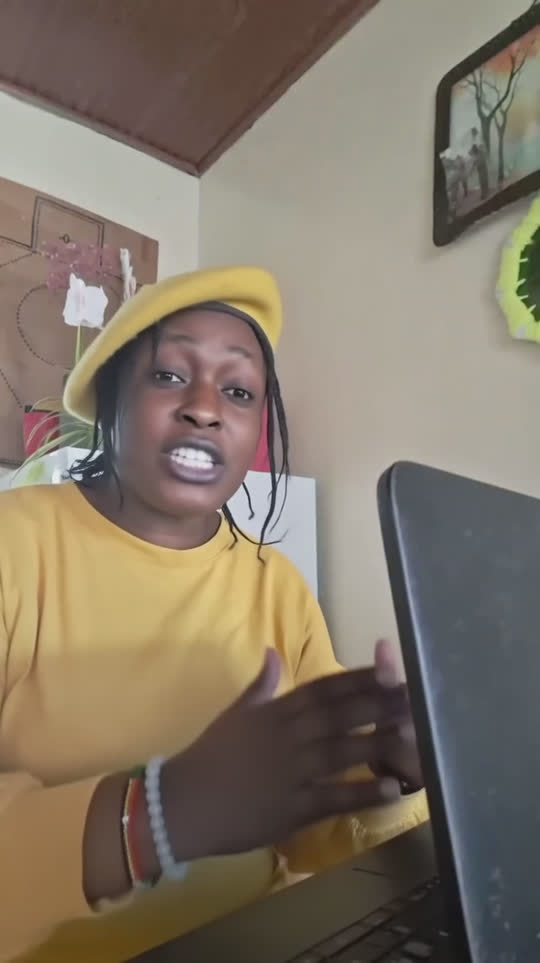
0:31Reuben Okafor posted a new answer to “What do you do here?”
Send people the right introductions.
HR and managers choose who to watch. Employees press play.
- Team, questionnaire, new-hire welcome and before-a-meeting playlists.
Welcome, Kai
HR watches the report.
The engagement report shows how connected the company is, by department and over time. It shows groups, never named people. Managers get a team summary on Scale and up.
- Weekly active, intros watched and connections per person (medians).
- Early signs of disconnection, as a count. Groups under 8 are never shown.
Engagement
Last 30 daysAll departmentsManagers see how their own team is doing.
A team-level summary for managers of 8 or more, as counts and never names.
One screen for members and seats.
See who is active and who is invited. Seats are billed only for people who signed in within 90 days.
- Status for every person, from active to inactive.
- Moderation queue for reported videos.
| Name | Team | Status | Last seen |
|---|---|---|---|
| Annalise Brooks | Design | Active | Today |
| Marcus Bell | Research | Active | Today |
| Noor Haddad | Sales | Invited | Never |
| Eli Brandt | Engineering | Inactive 90d | Jul 2 |
| Kai Moreno | Support | Invited | Never |
Retention and engagement, measured.
Every intro watched becomes a connection. Connections roll up into a Connection Score you can set against 90-day retention, cohort by cohort.
Hire dates come from your HRIS (Workday, BambooHR, HiBob, Rippling and more), so retention is measured against the real start date.